


Atlassian Assets is a brilliant tool. With it, you can create an inventory of any kind of asset you can think of. Laptops, phones, software, employees, company cars, cats….
… and software environments.
But that’s the problem. “Any kind of asset you can think of” means it wasn’t specifically designed for managing software environments. That’s just something you can do with it. Just like you can do virtually anything with a spreadsheet. But in this day and age, where there’s an app for this and an app for that, do you?
Since you know, the spreadsheet analogy for generic tool vs specific one has been done to death, let’s try something more colorful to explain:
- Why using Atlassian Assets, a generic configuration management database (CMDB), might not be the most optimal way of doing test environment management, and
- Why using Golive for Jira, specifically made for doing test environment management, will save you a ton of time, headaches, and facepalms.
Would You Buy a Bucket of Mixed LEGO Bricks to Build a Spaceship?

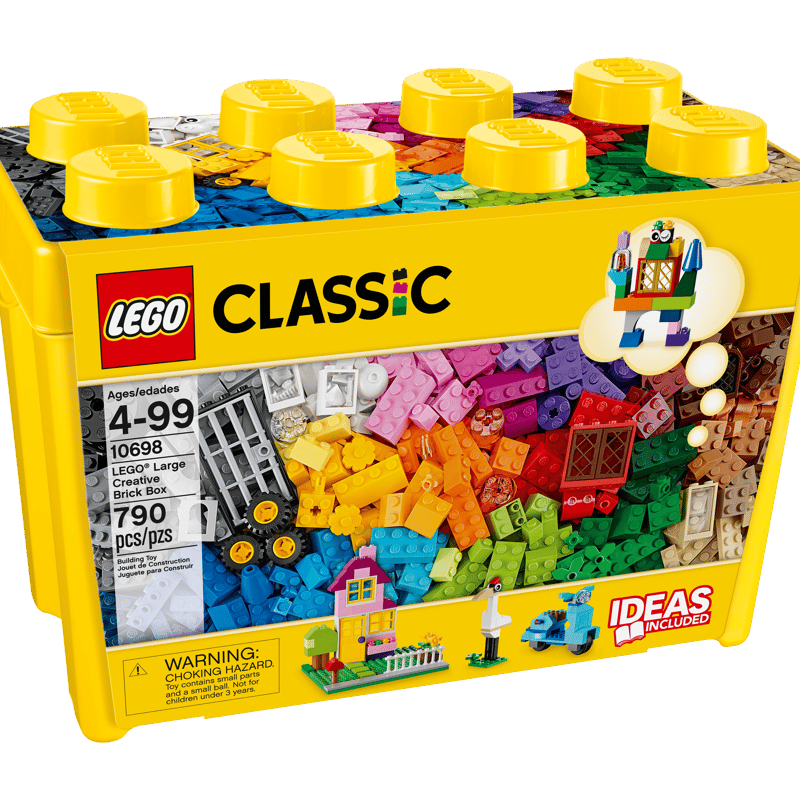
With a Lego classic bucket, you can build all kinds of things, including a spaceship. All your bricks and connectors are there. But to make a spaceship, you’ve got to design it yourself and work out how you want all the pieces to fit together.
Some Lego fans might enjoy that, but most would probably buy a Lego set, with all the pieces they need for building a specific spaceship, and a complete set of instructions so they can’t go wrong.
Just like the classic bucket lets you build anything, Assets is a general-purpose tool for defining schemas of objects and tracking anything you consider an asset or configuration item. It’s powerful in its flexibility and lets you model relationships between your objects, link them to Jira tickets, and update Assets attributes with Jira automation.
Sometimes a general tool is exactly what you want. If you want to build a model of your house, the classic Lego bucket’s great, because you won’t find a specialized set for that. Likewise, if you want to use Assets to create an inventory of cats, go right ahead, because funnily enough I don’t think there’s an app for that.
But if there is a specialized set for exactly what you want to build, then getting the classic bucket seems like extra work for no reason.
Now let’s explore what that extra work looks like.
Why Using Assets for Test Environment Management Is Unnecessarily Difficult
You absolutely can use Jira Service Collection’s native functionality for tracking, controlling, and scheduling the environments used during software delivery, e.g. development, testing, staging, and production. Otherwise known as test environment management (TEM).
It just isn’t very easy. Here’s why.
Versions Aren’t Entities in Assets
TEM is about knowing what is deployed, where it’s deployed, and when. The “what” is a specific version of a specific application, e.g. Version 2.3.1 of the Payments app.
In Jira, versions are a first-class entity. They are structured, reportable, and have a lifecycle.
But Assets doesn’t have a native concept of versions. They need to be recreated. You can either create a version attribute, which is simple but only acts as a label. Or you can create a version object type, which is more powerful but requires design, maintenance, and governance.
Either way, you’re having to rebuild a concept that already exists, just so you can use it in your environment model. And in both cases, you’d need to write an automation rule to pull version data from Jira into Assets.
Applications Aren’t a Standardized Concept in Assets or Jira
Applications are even trickier because there's no native “application” entity in Jira. Teams improvise by using Jira spaces or components or custom fields to represent applications.
In Assets, you can model applications as object types, but there’s no predefined structure or standard way to represent them across Jira and Assets. That’s for you to decide, so again—more work.
Assets Don’t Show Usage Over Time
As a CMDB, Assets gives you a structured view of your environments and their current state. You can use it to build a clean, well-organized inventory: what environments exist, what they’re used for, and what version is currently installed.
But TEM isn’t just about the current state. Environments are shared resources that evolve over time. Multiple teams need them, they get booked and reused, and versions are deployed, rolled back, and replaced.
If all you need to know is:
“What environments do we have, and what’s in them?”
Then Assets is great.
But if your questions are:
“Who is using this environment right now?”
“When will it be free?”
“What was deployed here yesterday?”
“What’s scheduled for tomorrow?”
Then Assets start to fall short. As a CMDB, it has no scheduling or booking capabilities, no timelines for past and future usage, and no deployment event model to track what was deployed and when.
You Have to Fill the Gaps with Jira Tickets and More Automation
You can turn your environment objects into time-based resources by using Jira work items as booking requests and adding custom logic to make it run as a booking system.
You’d need to create custom fields for Environment, Start Date, and End Date. Then you’d need to link your work items to your Assets objects to tie usage to the inventory. And then you’d need to create automation rules to detect conflicting bookings, request approvals, and update environment statuses.
It’s possible, but it’s hard to maintain.
No Out-of-the-Box Integrations with Your Delivery Tooling
You’ll also want to connect your environments to your CI/CD pipelines, deployment tools, and source control systems, so you can track what was deployed, where, and when.
With Assets, this isn’t available out of the box. In other words, there's no native connection between environments and deployment events, and no built-in mechanism to automatically track what is deployed across your environments.
You can integrate external systems using APIs, imports, or automation, but you have to design and maintain these integrations yourself.
Reporting Limitations
You can visualize your environments, versions, and applications in Assets, and the relationships between them, using standard Jira reports.
But you can’t get time-related insights out of the box, e.g., environment availability, usage over a specific period of time, or deployment history. For that, you’d need to combine Jira work items, Assets data, and external reporting tools such as Atlassian Analytics or EazyBI.
In other words, you need additional modeling, tooling, and ongoing maintenance to keep everything aligned.
To Summarize
In order to manage test environments in Jira with Assets, you need to:
- Recreate versions and applications with attributes or object types
- Create a booking system using Jira work items and a bunch of new custom fields
- Add automation to glue everything together
- Build your own integrations with your delivery tools
- Visualize your environments over time in a separate custom reporting tool.
It works to a point, but it’s clunky and fragmented, and as the number of environments, teams, and bookings grows, it becomes harder and harder to manage.
So, instead of the classic Lego bucket and all that extra work assembling your own system from scratch, go for a specialized set.
Golive for Jira is this specialized set. The model you’re building is test environment management, and it has all the pieces you need ready to go.
Now let’s explore what those pieces are.
Golive for Jira Is a Complete Model, Ready to Use
Golive for Jira has all the core concepts of test environment management already defined. Most importantly, they’re connected in a way that reflects how teams typically manage software delivery.
Golive Connects Applications, Versions, and Environments Out of the Box
With Golive, applications, versions, and environments are all first-class entities. Golive understands the relationships between them, so you don’t have to decide anything. And versions in Golive are already mapped to versions in Jira, so there’s no need to build an automation rule to connect them.
Golive Treats Environments as Time-Based Resources
Environments aren’t just stored data in Golive. They’re resources that are used over time. This means you get a dedicated booking system in a new Jira space, pre-configured for scheduling, with relevant work item types, custom fields, screens, and workflows already set up.
Also built in are automated approvals, auto-booking of dependencies, and conflict-prevention features. No need for complex automation rules or additional custom fields.
You can visualize and manage your bookings using Golive’s built-in scheduling timeline. Here you can check if any bookings are conflicting with other activities scheduled for your environments, and reschedule them with drag-and-drop.
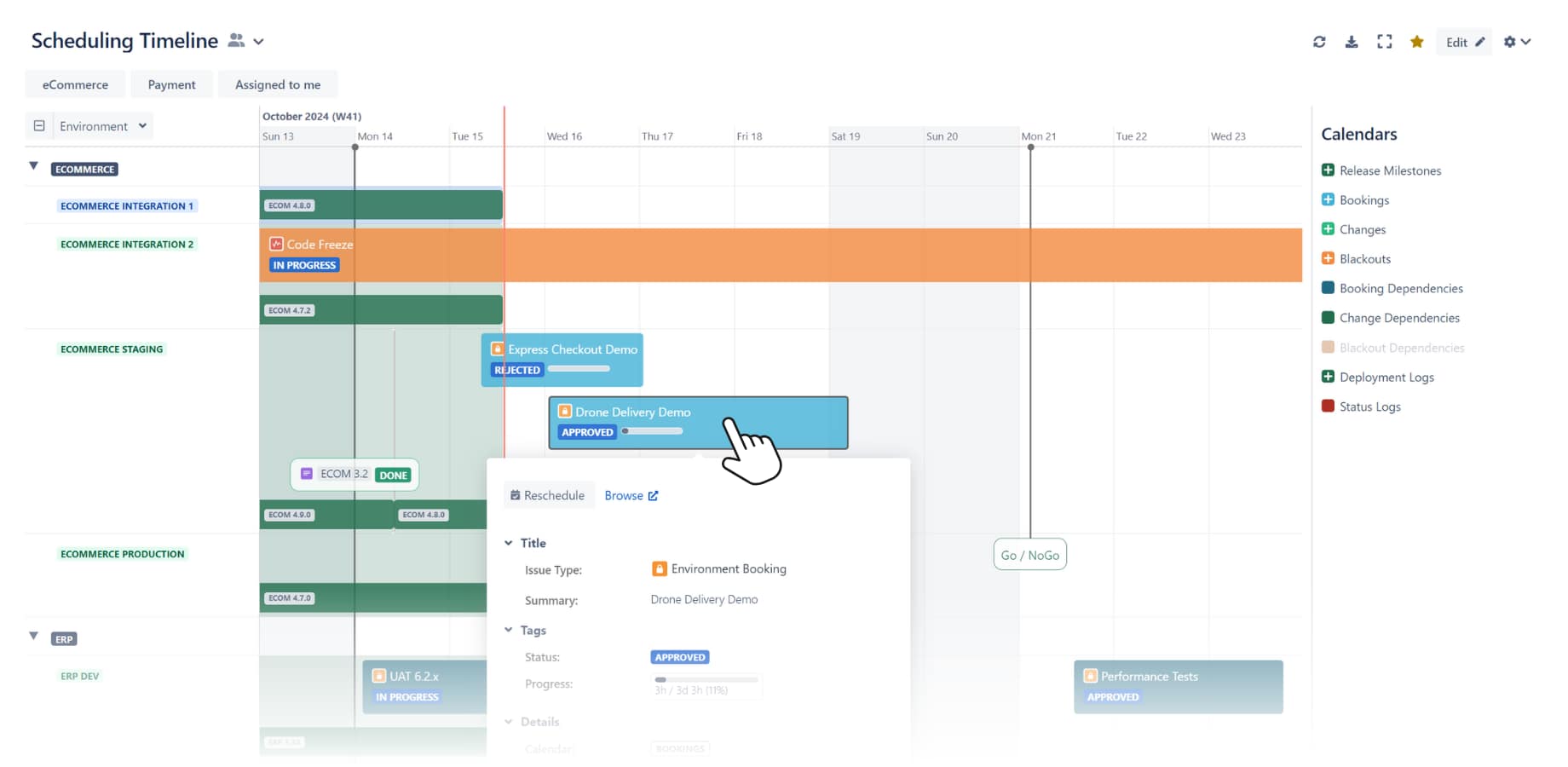
Golive’s Booking Timeline
Golive Provides Time-Based Visualizations (No Need for Extra Reporting Tools)
In addition to the scheduling timeline, Golive comes with built-in visualizations of Jira versions, work items, environment history, and deployment history. Golive’s fit-for-purpose views mean you don’t need to configure and maintain a separate reporting tool.
Golive integrates with delivery tools out of the box
Golive already connects with tools like Kubernetes, GitLab, GitHub, Bamboo, Bitbucket, and Azure DevOps. These integrations link environments, pipelines, and work items, and automatically push deployment data into Golive without adding an extra layer of complexity or maintenance to your system.
The Key Difference Between Assets and Golive
You can build a TEM system with Assets and Jira.
But with Golive, you don’t have to.
Going back to our Lego analogy, Assets gives you pieces you can use to build a spaceship and hope you can make it work. Golive for Jira gives you the spaceship.
Flexibility is powerful, but it comes with a design cost. For test environment management, the cost shows up quickly in modeling, automation, integrations, and reporting.
So the question is simple:
Do you want to design the system?
Or start using it?
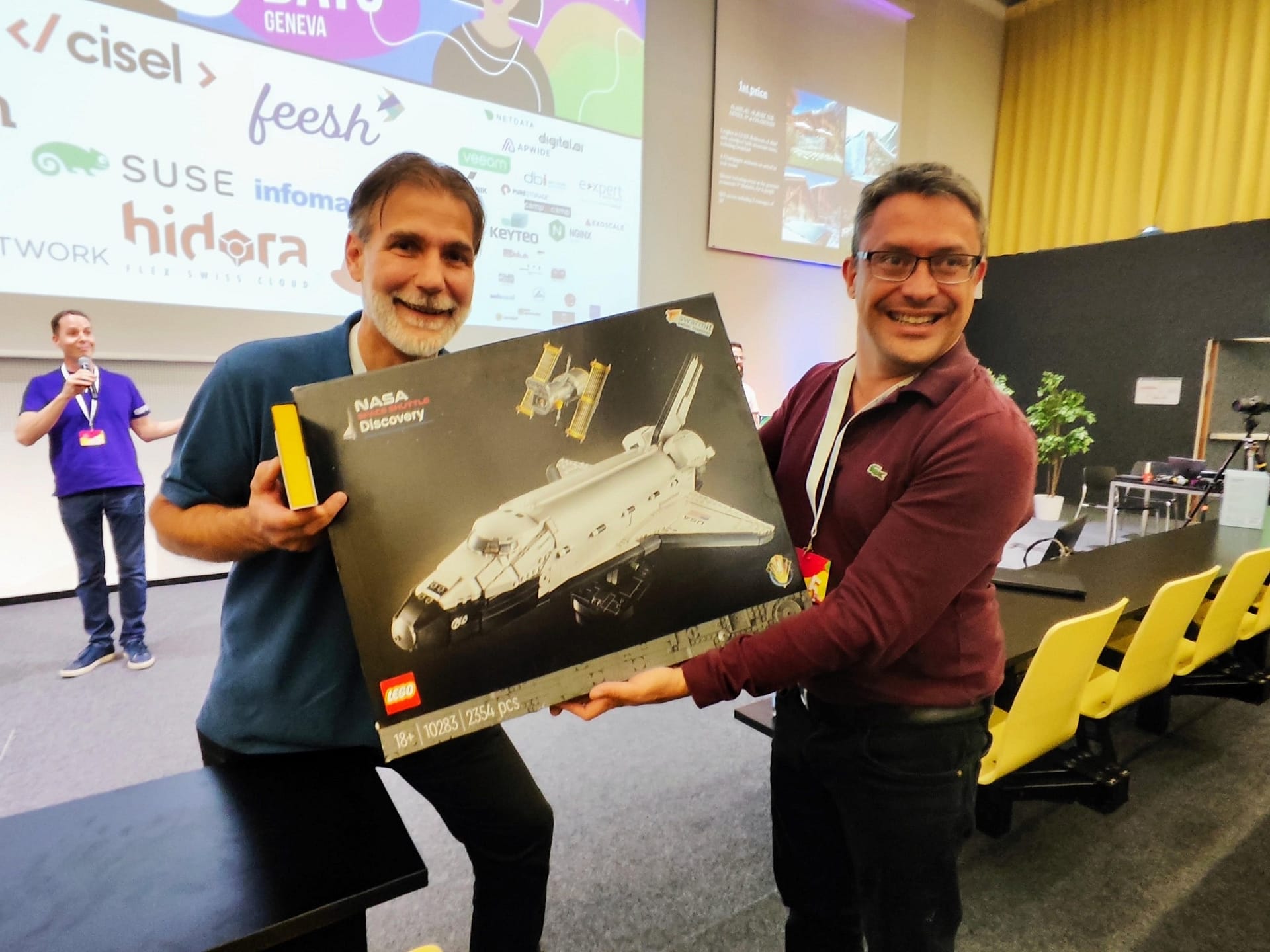
Loïc Bardon won the Apwide Space Shuttle contest at DevOps Days Geneva 2024